
Reserved capacity vs dedicated GPUs: how to choose
, 4 min read, By Jaber Jaber
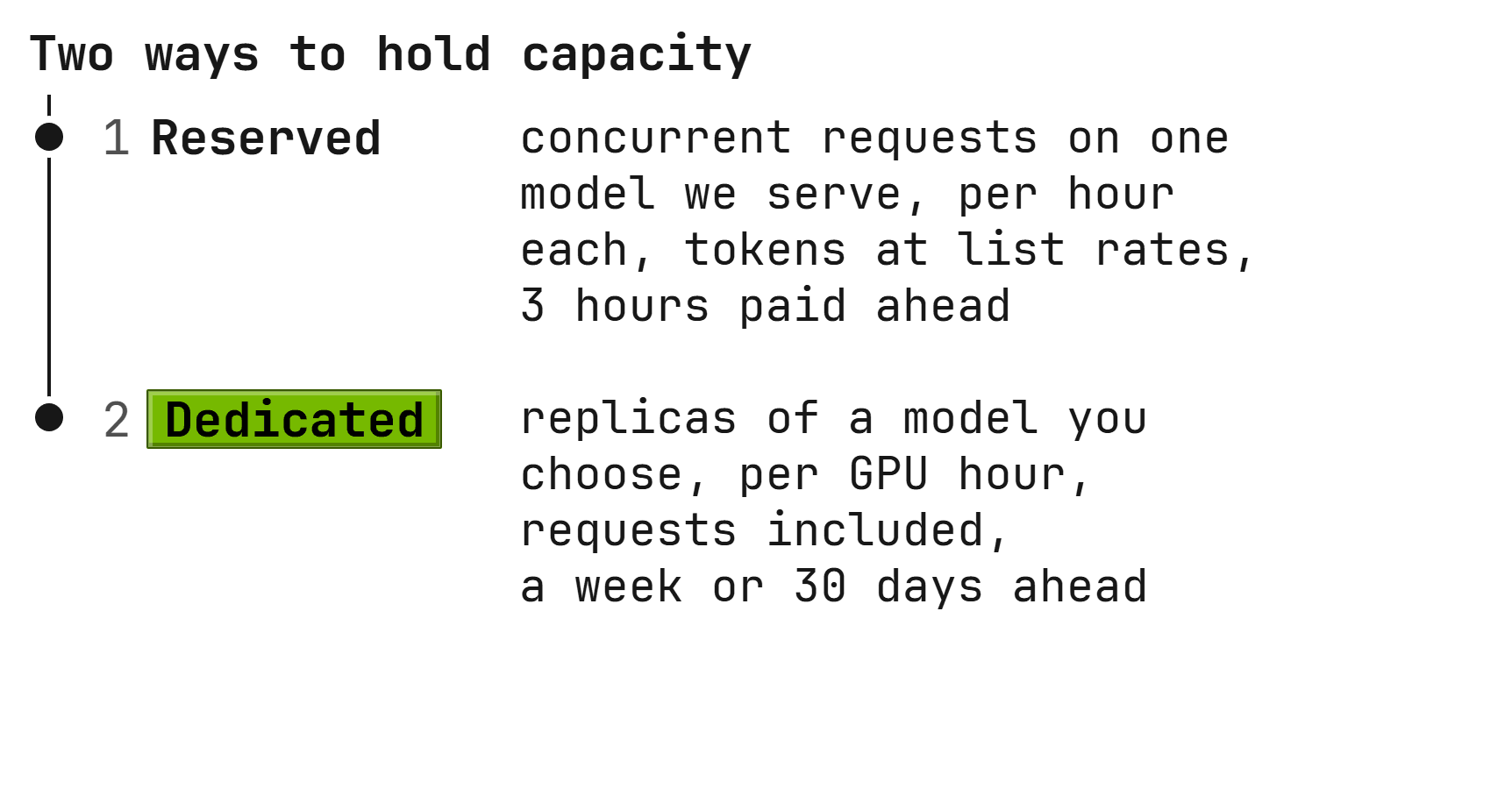
GuideReserve capacity when you need a set number of requests to run at the same time on a model we serve. Choose a dedicated deployment when you want a model you choose on replicas held for your workspace, priced per GPU hour with its requests included.
What is the difference between reserved capacity and a dedicated deployment?
Reserved capacity holds a number of concurrent requests on one model for your workspace. It is for a team that needs a set number of requests to run at the same time on that model.
A dedicated deployment runs a model on replicas held for your workspace, under a model id of its own. It is for a team that wants a model priced per GPU hour and paid a week or 30 days up front, with the requests on it included.
| Reserved capacity | Dedicated deployment | |
|---|---|---|
| What it holds | Concurrent requests on one model | Replicas of a model, under a model id of its own |
| Which models | The models in its price table | Any Hugging Face model |
| Priced | Per hour, for each reserved concurrent request | Per GPU hour |
| Tokens | Billed at the list rates | Included, not billed |
| Paid ahead | The rest of the hour and the next 3 hours | A week or 30 days |
| Above the limit | Shared capacity or refused, as you choose | Refused while it is full |
Caption: Read from the Reserved capacity and Dedicated deployments guides.
When should we reserve capacity?
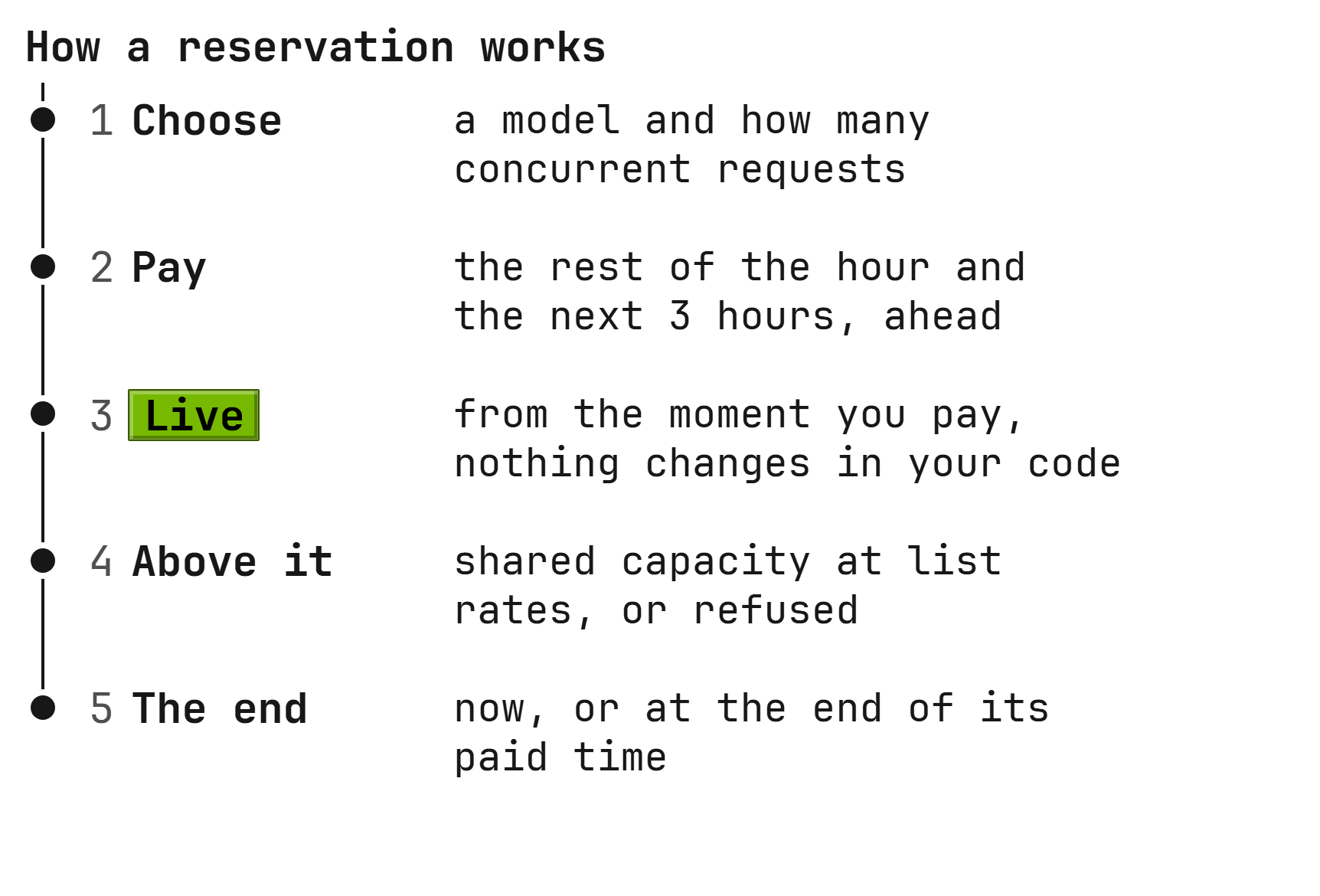
You reserve in the dashboard, under Model APIs. A reservation is live from the moment you pay. Nothing changes in your code. Every key of the workspace uses the reservation with the same model id.
A model that is not in the table has no reserved capacity. To reserve one, ask for it with Request a model on the Model APIs page.
When do we need a dedicated deployment?
The account owner asks with Optimize a model, under Dedicated. You name the model in Hugging Face model, your target in Target speed per request and the load it must hold in Requests at once. Your target speed is measured at that load.
Tuning is included in the hourly price. If it reads No or Not measured, we do not deploy it.
How is each one billed?
You pay a price per hour for each reserved concurrent request. Tokens are billed as on any other request, at the list rates in Pricing and credits.
The hourly price is paid ahead from your balance, the same balance that pays for tokens. When you reserve, you pay for the rest of the current hour and the next 3 hours. From then on, 3 hours are always paid ahead.
A deployment is priced per GPU hour, by the GPU it runs on. Requests on the deployment are included in the hourly price: its tokens are not billed. When it starts, it is paid for the week (7 days) or the month (30 days) you pick, from your balance. It then renews by the same period.
It is paid from your balance, the same balance that pays for tokens.
What happens to requests above the limit?
Requests above the reserved number run on shared capacity at the list rates, or are refused. You choose which when you reserve. A request that does not fit one of these limits follows the same choice.
Requests above your replicas are refused while the deployment is full.
How do we stop each one?
An owner can end it in two ways:
Now. Unused paid time is returned to your balance, except its first 60 minutes.
At the end of its paid time. It serves until then, no more hours are charged, and an owner can undo it until then.
Once it has ended, your requests run on shared capacity. An owner can stop a deployment in two ways:
At the end of its paid time. It serves until then, and an owner can undo it until then.
Now. Once it has served, nothing of the paid period is returned.
Money is returned to your balance, never to a card.
Are our prompts and outputs kept?
The open models API is zero data retention by default. Zero data retention: we do not store your prompts or outputs. Data retention lists what is kept and for how long.
How do we start?
The Reserved capacity and Dedicated deployments guides have every step. Send us your heaviest workload. On the Dedicated page, name your model and the traffic you expect. We reply by email within a day.