
Loading...
Run CUDA code on remote GPUs through SSH
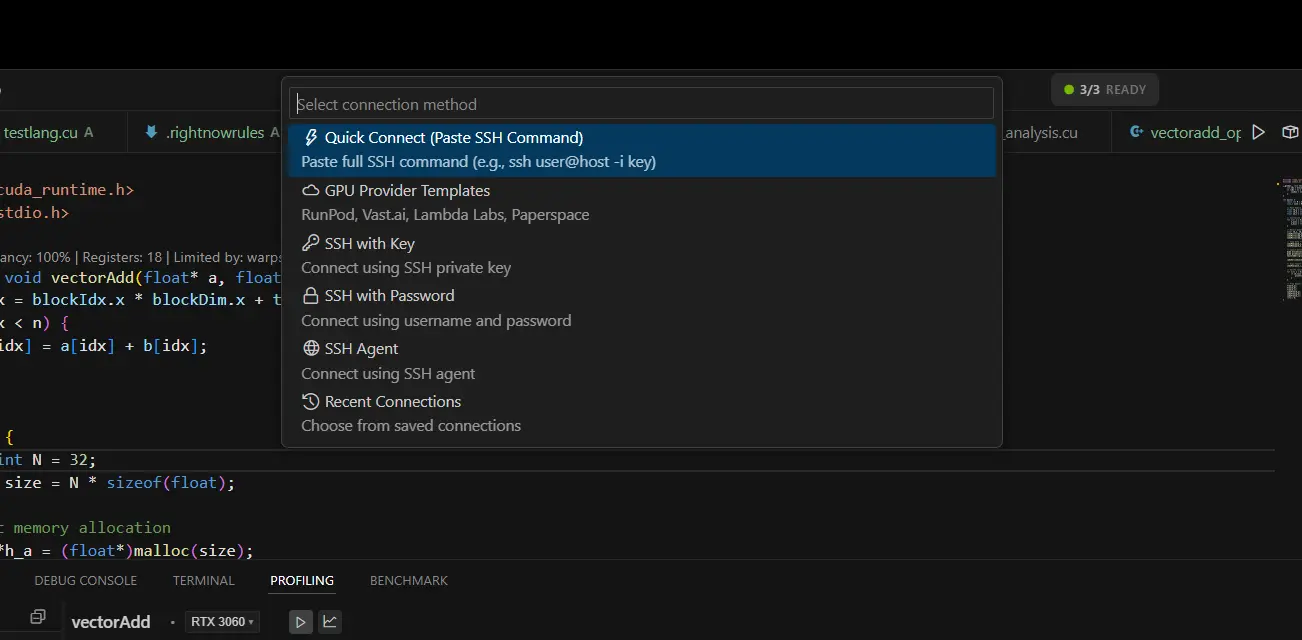
Ctrl+Shift+G or click "Remote GPU: Connect" in command palettePopular for on-demand GPU rentals with RTX 4090, A100, and H100 availability
Cost-effective marketplace for peer-to-peer GPU rentals
ubuntuEnterprise-grade GPU cloud with A100 and H100 instances
paperspaceManaged GPU instances with pre-configured CUDA environments
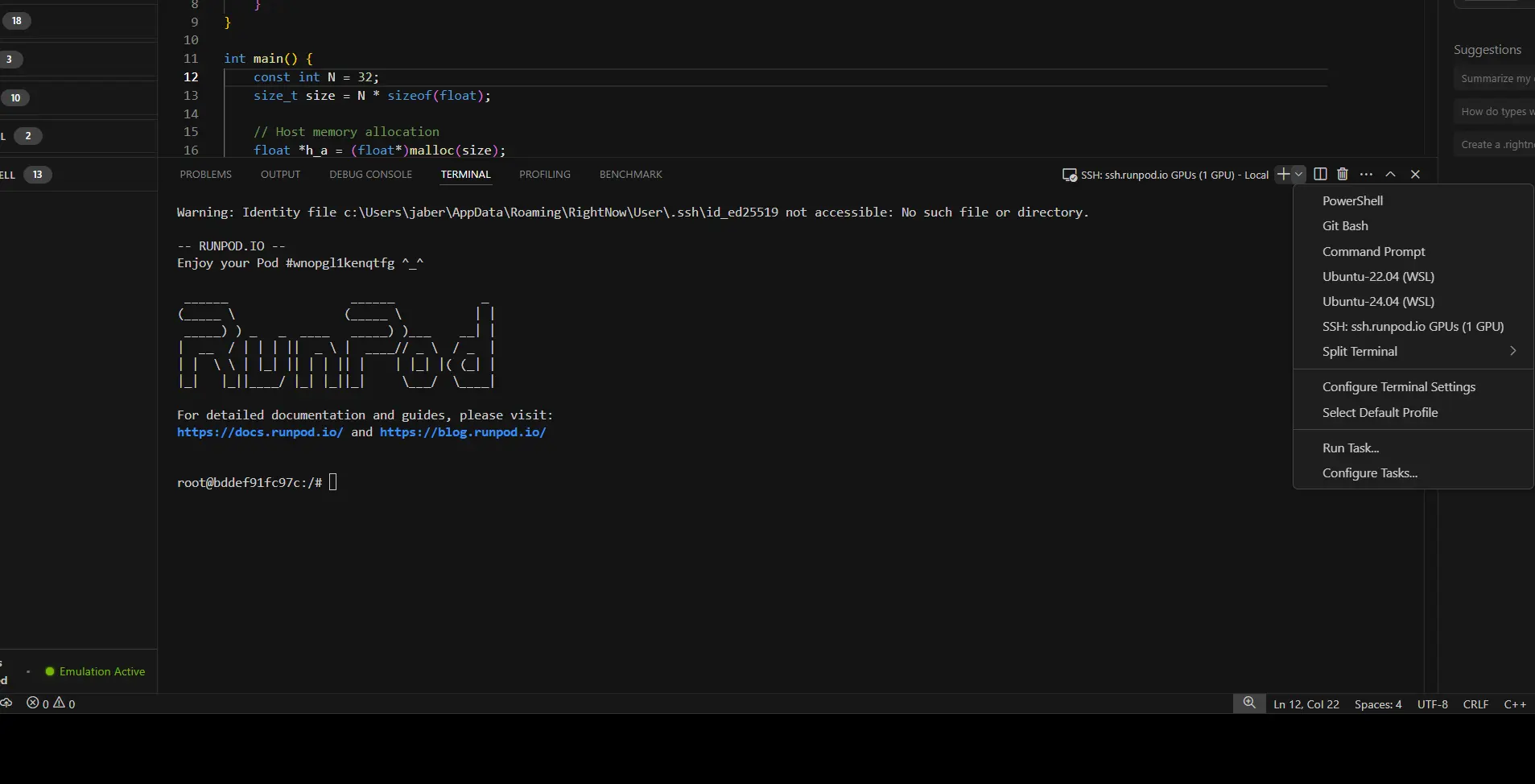
Press Ctrl+Shift+T to open SSH terminal to your remote GPU.
nvidia-smi.cu fileClick GPU name in status bar to switch between local and remote GPUs:
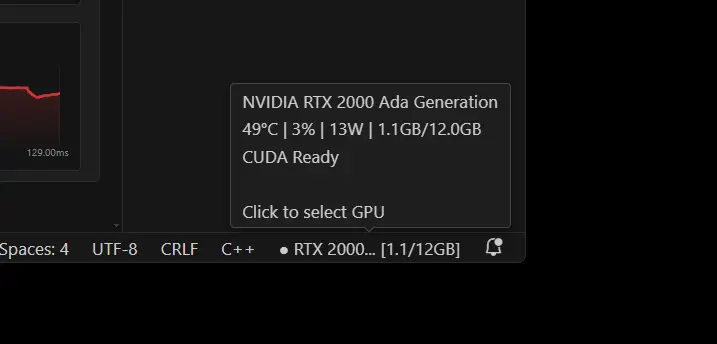
Look at the status bar for connection status:
Recommended for security:
ssh-keygen -t ed25519ssh-copy-id user@remote-hostFor non-standard SSH ports:
Save frequently used connections for quick access:
Best Practices
nvidia-smi in terminalTroubleshooting
nvidia-smi in remote terminal to verify GPU accessNeed more help? Check the Troubleshooting Guide or visit our Discord community.